
Spring is a great time to take the pulse of your workforce, and the teams that get the most from their surveys are the ones that plan before the season starts.
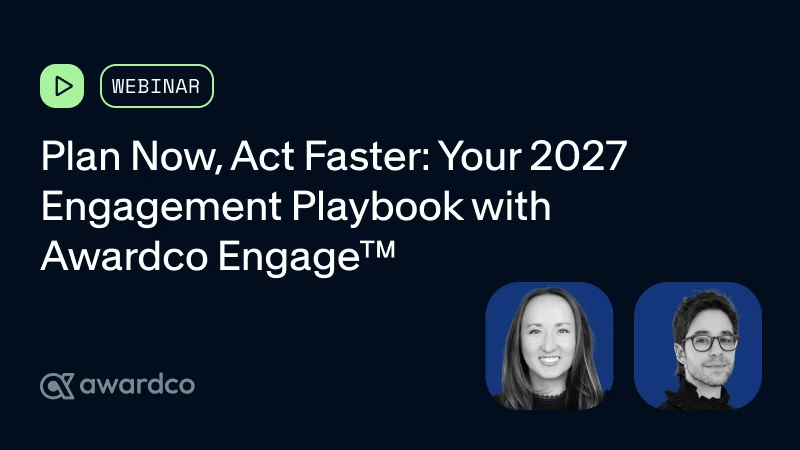
In a recent webinar, James Goodman, senior group product manager for Awardco Engage, and Jill Onofrietti, product marketer at Awardco, walked through the latest updates to Awardco Engage™ and how to get set up for a spring 2027 survey. Here's a preview.
Context makes every score easier to read
A number on its own rarely tells you much. Awardco Engage pairs every team's results with a comparison to the rest of the organization and puts opportunities and strengths front and centre. This lets leaders clearly see what's working, as well as what needs attention. Every leader with access can see this view for their own team, not just HR.
Heat maps that point to where to look first
The heat map view lets you compare departments, locations, or any custom field from your user file side by side. Sort by a team, filter down to a single office, and the gaps show up quickly.
Some details to keep in mind:
- Colour choice: The palette uses blue and orange instead of red and green, so results stay readable for people with colour blindness.
- Confidentiality: Heat maps respect your confidentiality threshold, so a group too small to protect anonymity is greyed out automatically.
- Sensitive metadata: Sensitive employee metadata like gender can be restricted so only the right people see them, while managers still get what they need.
AI comment analysis that turns open text into direction
Open-ended comments are often the richest part of a survey and the hardest to get through. Awardco Engage uses an AI model built in-house to gather the feedback you need, like:
- Sentiment: Tag each comment as positive, neutral, or negative.
- Topics: Group comments by theme, such as leadership, trust, or recognition.
- Ideas: Pull out suggestions for improvement that can shape your action plan.
From there, admins can bookmark the comments worth revisiting or hide ones that shouldn't be shared with managers.
Action planning is on the way
Awardco Engage is introducing action planning, where leaders can set focus areas from low-scoring themes, assign actions with due dates, and track status over time. A scheduled follow-up pulse survey can then show whether the changes are working.
Limited access is rolling out, with deeper links to recognition programs planned next year. To see where this is headed, read how to turn engagement findings into a recognition action plan.
Survey setup updates built for participation
A few recent additions make surveys easier to design and easier to finish:
- AI enablement questions: A new set of standardized questions for understanding how AI is being used and supported across your organization.
- Conditional comment prompts: Ask for a follow-up comment only from people who disagree or strongly disagree, which keeps survey length manageable and comments focused.
- Save and resume: Employees can pause a longer survey and return to it later, and only submitted responses are counted.
Questions to answer before spring
If you're planning ahead, the team suggests starting with a few questions:
- When do you want to launch your next survey?
- What do you most want to learn from it?
- How will you protect confidentiality?
- How will leaders and managers receive and interpret results?
- What will action look like afterward, and how will employees know they were heard?
Want a closer look at all of it? Watch the full webinar on demand. And if you're ready to get started, sign up for Awardco Engage here.