
An accessible recognition program is designed around the entire employee journey. It means more than adjusting font sizes or accounting for screen readers. It ensures employees can access the program, understand the message and rules, give or receive recognition, redeem an appropriate reward, choose public or private visibility where available, and obtain support or an accommodation without avoidable barriers.
To build an accessible employee recognition program, digital surfaces should be evaluated against current accessibility guidance such as WCAG, while employers should separately review language, work context, reward fulfilment, privacy, and local obligations. In this employee recognition accessibility guide, you’ll learn how to balance both.
Key takeaways:
- WCAG guidelines are critical for digital content
- Accessibility must extend to all operational aspects of your program
- Testing before launch and after any changes are made is critical accessibility maintenance
- Digital platforms like Awardco can help you build and sustain accessible employee recognition programs
Looking to create a more inclusive program? Here’s how you can build a practical recognition accessibility audit organized around the employee journey:
WCAG guidelines provide technical guidance for digital content, but a recognition program also needs accessible channels, language, privacy, fulfilment, and support. This framework creates information gain beyond broad “inclusive recognition” guidance because it connects technical accessibility to program policy, communications, reward fulfilment, and operational reality.
See how Awardco supports mobile and distributed recognition.
What is an accessible employee recognition program?
Building an accessible employee recognition program is all about ensuring that every single team member feels valued. Whether someone is giving or receiving a shoutout, trying to understand a message, redeeming their reward points, or asking the tech team for support, the entire experience should adapt well to the tools, channels, and formats they naturally use.
To build this kind of culture, it’s important to look far beyond employee recognition software and audit the entire journey. To be truly inclusive, you must:
- Consider how digital accessibility impacts daily use
- Think about whether frontline and mobile employees have equal access
- Find ways to navigate language or cognitive differences
- Protect personal preferences for privacy
- Streamline reward fulfillment
- Ensure employees who need accommodations can get them
When you design recognition with everyone in mind, employee recognition becomes a shared experience that helps you connect and build trust.
Audit the full recognition journey, not just the interface
Before you implement any inclusive employee recognition ideas, take some time to map out every touchpoint your employees will encounter. Here’s what your team should be checking for during each phase of the recognition journey.
Can employees find and sign in?
Check whether your platform supports:
- Single sign-on (SSO) capabilities so frontline and deskless workers don’t have to worry about passwords
- Login pages with high-contrast text
- Screen reader compatibility
- Keyboard-only navigation
Provide alternative options (such as offline recognition or kiosk access) for those who need it.
Can employees give recognition?
Creating an accessible rewards and recognition program means testing your submission forms to ensure they don’t rely on complicated actions (like drag-and-drop) that can cause issues for those with motor skill challenges.
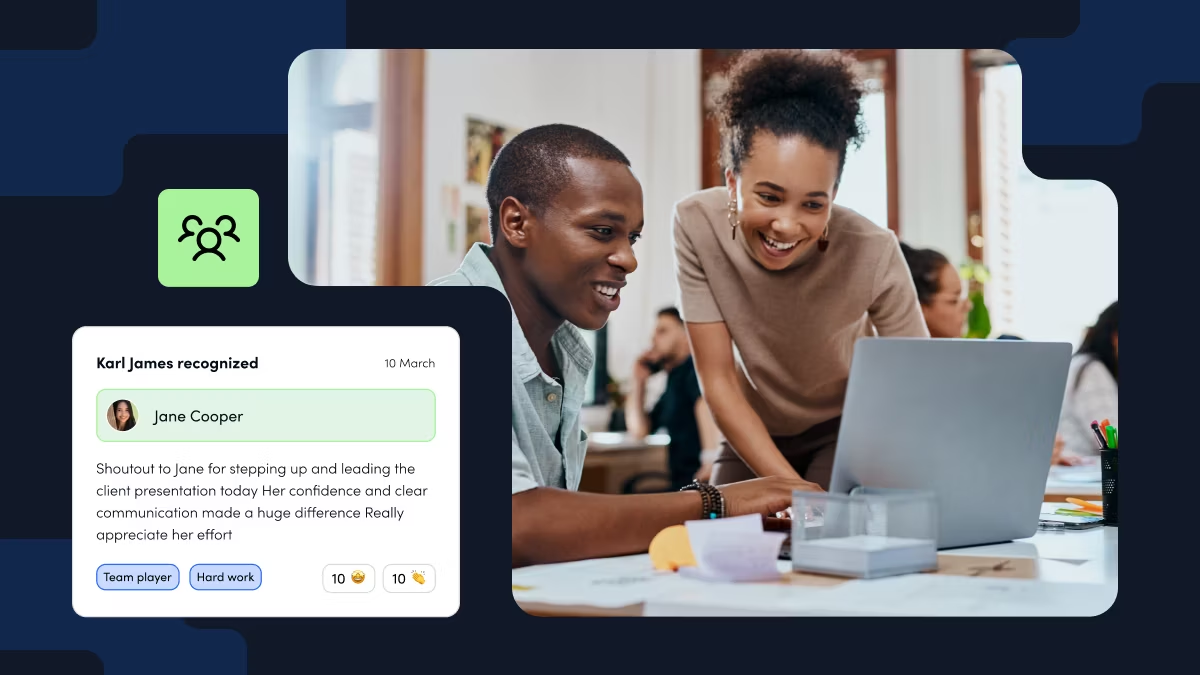
Ensure that your text boxes support speech-to-text and that users can add descriptive alt text to image uploads. Verify that your recognition tools integrate with everyday communication tools like Slack and Teams.
Can employees receive and understand it?
When recognition moments occur, everyone should be able to celebrate. Solidifying employee recognition for people with disabilities means ensuring that screen readers can work with digital notifications. Avoid using colour alone to convey meaning (such as using green text to indicate positive feedback).
If your employees speak multiple languages, consider giving them automated translation options so that global team members can read praise in their own language.
Can employees choose how recognition is shared?
Remember that not all employees enjoy the spotlight. An inclusive program respects neurodiversity and personal boundaries by offering each employee privacy controls. Give them the upfront choice to receive appreciation publicly on a social feed, privately within their team, or completely anonymously.
Can employees redeem rewards?
Audit your redemption catalog to make sure it offers diverse choices, such as digital gift cards, physical merchandise, or charitable donations. The checkout process should be straightforward with simple instructions to lower the cognitive load. For physical items, ensure shipping options can accommodate varied housing or delivery situations.
Can employees get help or request an accommodation?
When things don’t work as they should, getting help shouldn’t cause employees additional frustration. Provide multiple support channels, including a clear phone number, an accessible web form, and a dedicated text or chat line. Most importantly, establish a clear confidential path for employees to request specific accommodations without feeling stigmatized.
Apply accessibility principles to digital recognition experiences
A WCAG employee recognition platform should work seamlessly with the tools and techniques people rely on every day to successfully interact with work-related technology. By translating core accessibility principles into real-world features, you can create a digital experience that welcomes every employee.
Perceivable: Text alternatives, captions, contrast, and readable content
Information should be presented in ways that everyone can see and process. Accessible recognition software should allow for descriptive alt text on all images and accurate transcripts and captions for video content. The platform’s visual design should also feature high text-to-background contrast and support font resizing for employees with low vision or colour blindness.
Operable: Keyboard access, focus, touch, and time requirements
Users must be able to physically navigate the platform using their preferred input methods. All buttons should be keyboard-compatible, and any touch-friendly zones should be large enough for mobile and tablet users to avoid accidental clicks.
Finally, avoid imposing time limits on writing praise or browsing rewards so employees don’t feel anxious during the process.
Understandable: Plain language, predictable flows, and error support
The user interface should always be clear and logical, which reduces cognitive strain. Navigation menus, recognition forms, and confirmation screens should be predictable and consistent across the platform. Use plain language for copy, labels, and prompts and provide clear and specific error messages for missing fields or other issues.
Robust: Compatibility with assistive technologies and supported browsers/devices
Your chosen platform should play nicely with both modern technology and legacy systems. The underlying code should be clean and highly compatible with assistive technology like screen readers, braille displays, and voice control software. It should also perform reliably across multiple browsers and devices.
Talk with an Awardco specialist about recognition-program requirements.
Design for real work contexts and different access needs
Recognition programs must fit into the actual workflow of an employee’s workday, whether they sit at a corporate desk or work on a factory floor. Designing for real-world environments ensures appreciation is practical and stress-free.
Mobile, frontline, deskless, shared-device, and low-connectivity access
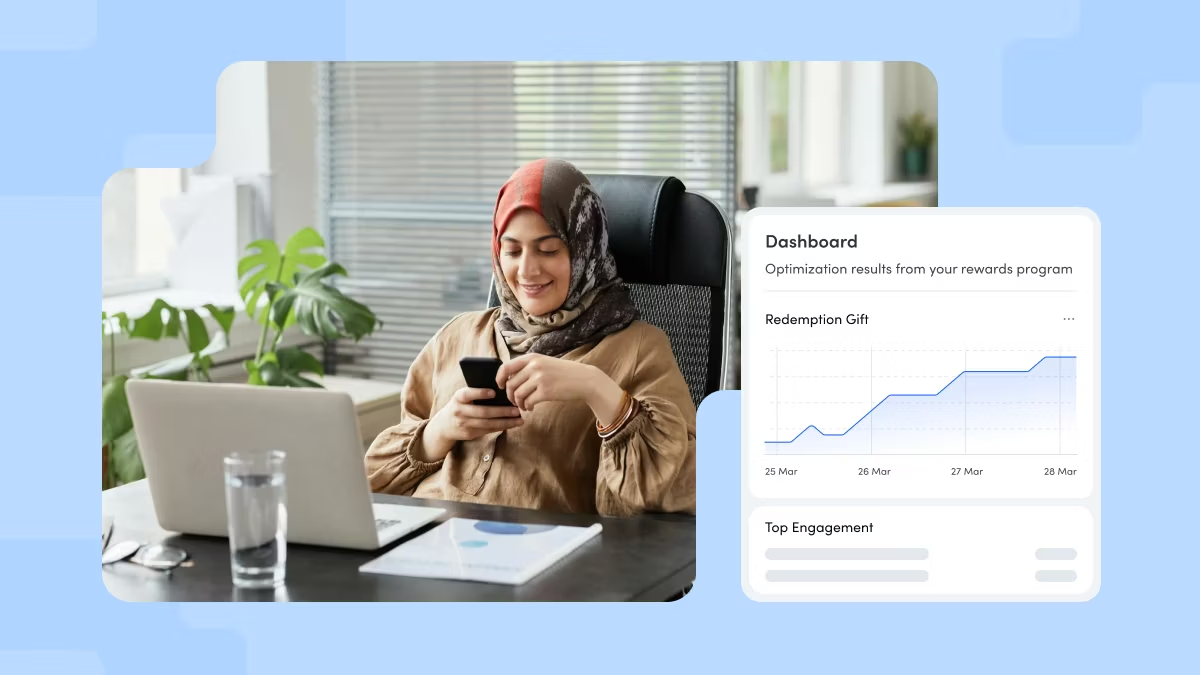
Because these employees often don’t have dedicated laptops, your platform should easily work on handheld devices or shared kiosks. Recognition for remote and frontline employees should also support low-bandwidth modes and offline queuing so employees in remote or low-connectivity zones can still use the platform without losing data or constantly getting timed out.
Language, cognitive load, and communication preferences
Remove cognitive and linguistic barriers by providing employees with real-time in-app translations. Keeping the interface intuitive with clear icons alongside your text and allowing employees to choose how they receive notifications (such as text, email, or physical printouts) can lower the cognitive load.
Public versus private recognition and employee choice
An inclusive program respects neurodiversity, a range of personalities, and personal boundaries by giving employees absolute control over their visibility. Teammates should have a simple, upfront setting to choose whether a received recognition is displayed publicly, shared only within their team, or kept completely private.
Test recognition accessibility before launch and after changes
As you figure out how to make employee recognition inclusive, begin by testing with representative user groups, including frontline workers and employees with disabilities.
Conduct rigorous keyboard and screen-reader checks, review all of your content pages and layouts, and run full end-to-end tests to check the flow of the process. Assign clear issue ownership for fixes and commit to re-testing after every significant platform change.
Recognition accessibility checklist for HR and People teams
- Logins: Deploy SSO and offline or kiosk login methods for frontline staff
- Input and navigation: Verify all digital platforms can be navigated by keyboard and support speech-to-text input
- Visuals: Ensure descriptive alt-text is available for images and captions for video announcements
- Cognitive load: Use plain language and clean layouts and eliminate strict form submission timeouts
- Privacy controls: Provide explicit opt-ins for public social feeds, team-only visibility, or private appreciation
- Fulfillment and support: Offer diverse reward options alongside multi-channel accommodation supports
How Awardco can support an accessible recognition strategy
As a leader in employee appreciation, Awardco supports an accessible rewards program by helping organizations build recognition experiences around different work contexts and program requirements, including digital, mobile, and frontline use cases where configured. Employers should review the specific accessibility, privacy, language, reward, integration, and support requirements for their workforce and confirm the relevant product and implementation details before launch.
With offline frontline options, seamless integrations, and flexible, low-barrier reward fulfillment, Awardco makes saying “thank you” simple and meaningful for your entire team.
Explore Awardco employee recognition.
Frequently asked questions about recognition accessibility
Does WCAG apply to employee recognition platforms?
It can. While not a standalone statute, WCAG is a technical accessibility framework for digital content. Employers and buyers should use it as part of product and content evaluation, then separately review workplace, accommodation, privacy, reward, and jurisdictional requirements to ensure regulatory compliance.
How do you make recognition accessible for employees with disabilities?
Test critical journeys with keyboard navigation, screen readers, zoom, contrast, captions or transcripts where relevant, readable language, predictable flows, accessible authentication, and a clear support or accommodation path.
What should be in an accessibility review for recognition software?
Include the sign-in, give, receive, read, notification, redeem, support, administration, integration, and reporting journeys, plus device/browser coverage, assistive-technology testing, content standards, privacy, fulfillment, and issue ownership.
Can mobile recognition be accessible?
It can improve reach, but mobile access is not the same as accessibility. Review touch targets, focus, contrast, labels, screen-reader behaviour, authentication, network conditions, and the employee’s real work environment.
Does Awardco guarantee an accessible recognition program?
Awardco can provide product and implementation information, while the employer must confirm the specific configuration, employee needs, accessibility requirements, and applicable legal or accommodation obligations.